Sentient Plugins
Talk to the plugins in your session. Compressors, preamps, EQs and full console channel strips — describe the sound you want and the plugin follows, on its own real controls.
Talk to the plugins in your session. Compressors, preamps, EQs and full console channel strips — describe the sound you want and the plugin follows, on its own real controls.
“Warmer.” “More air.” “Glue the drums.” “Take the edge off.” That's how a mix is talked about in every room. Then someone has to translate it into attack, ratio, Q and drive — one plugin at a time, with the music stopped.
Sentient Plugins puts a voice agent on each effect and channel strip in your REAPER session. Say what you want the way you'd say it to another engineer and the plugin's own controls move — the same knobs you'd turn by hand. Say “perfect” or “too much” and it learns your amounts, so “warmer” ends up meaning your warmer.
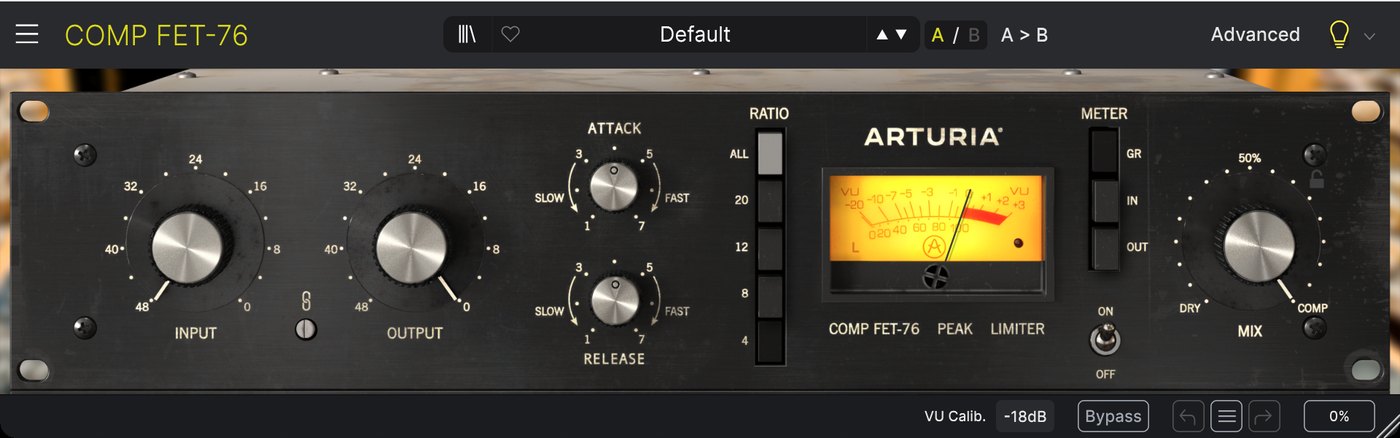
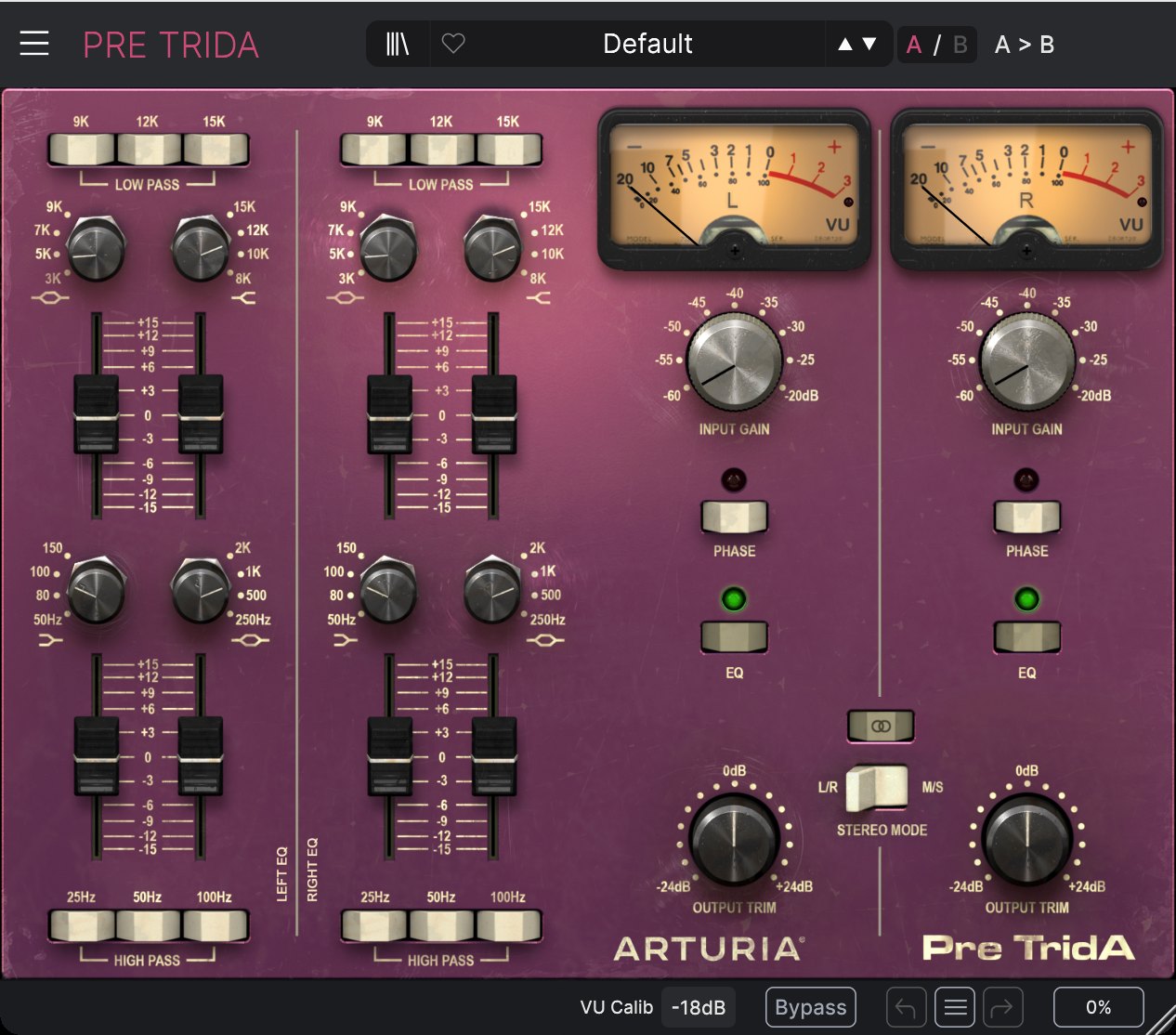
The classic FET compressor and the Trident-style preamp and EQ. “Squash the vocal a little.” “Faster attack.” “More top on the left channel.” “Load the drum bus preset.”
A full console strip — gate, EQ, compressor — and the Neve-style 1073 preamp and EQ. “Cut some low mid.” “Gate the room out.” “A little more 1073 drive.”
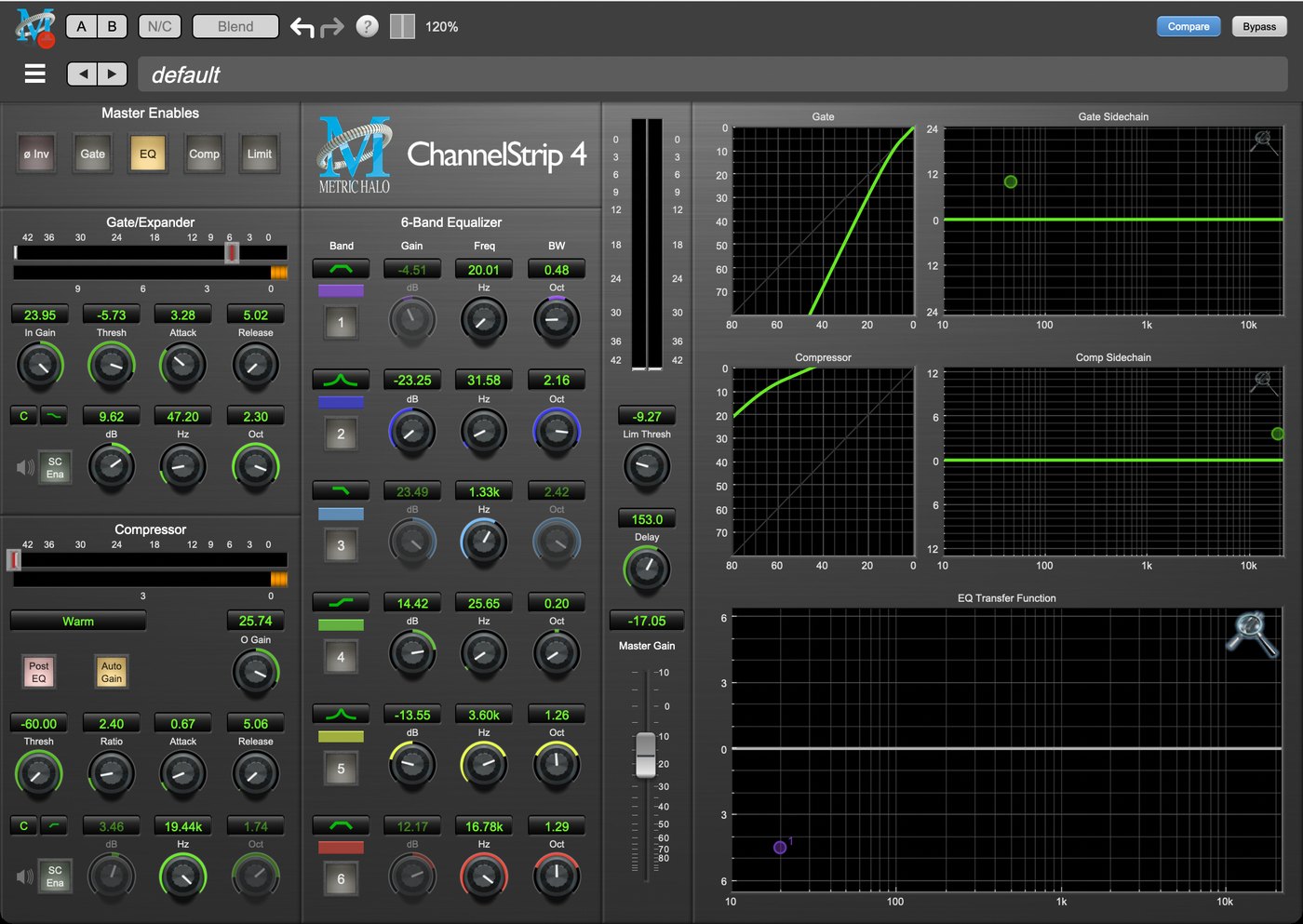
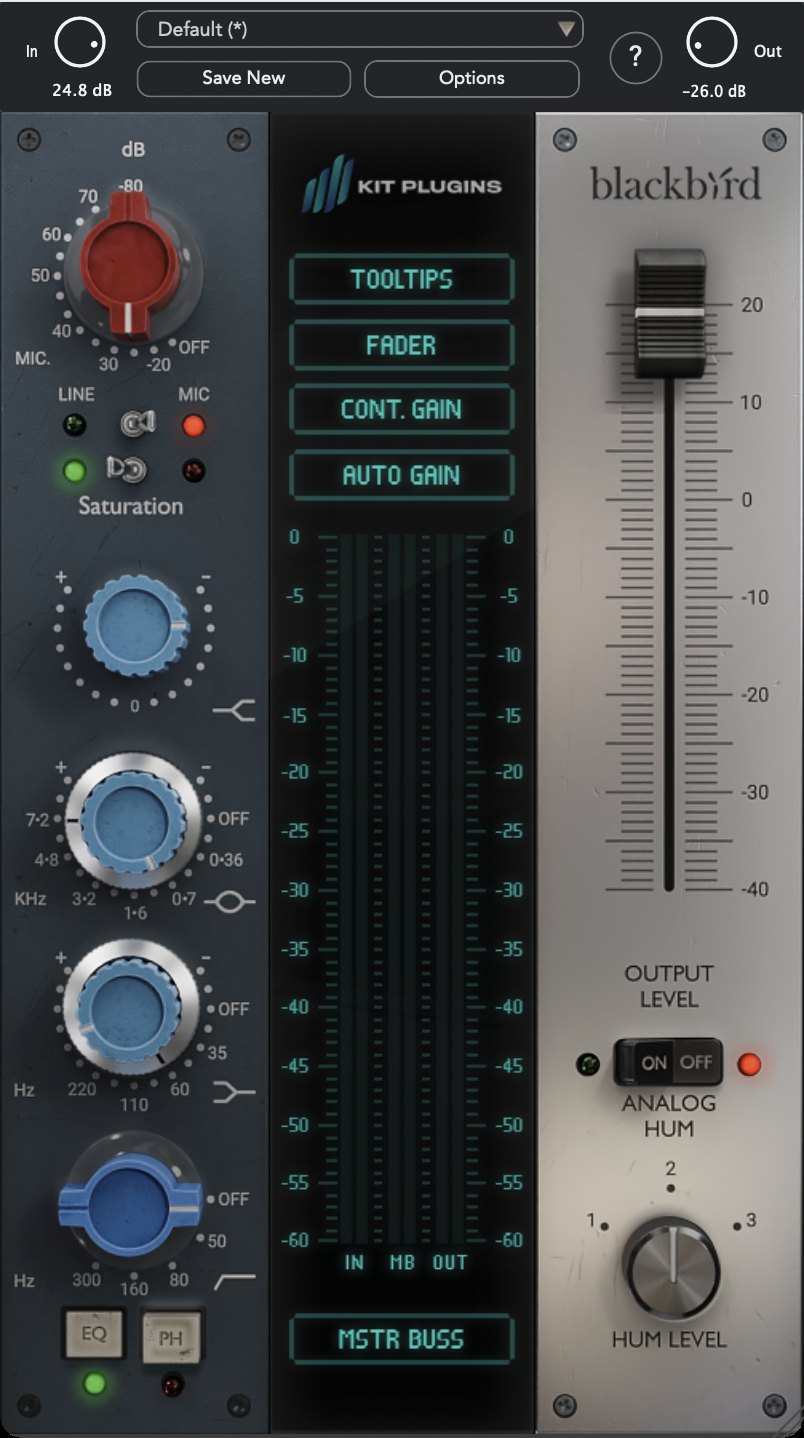
Every control on the strip is reachable by name or by feel. Ask “what's the threshold on the gate?” and it reads it back; ask “how does the de-esser work?” and it answers from the plugin's own manual.
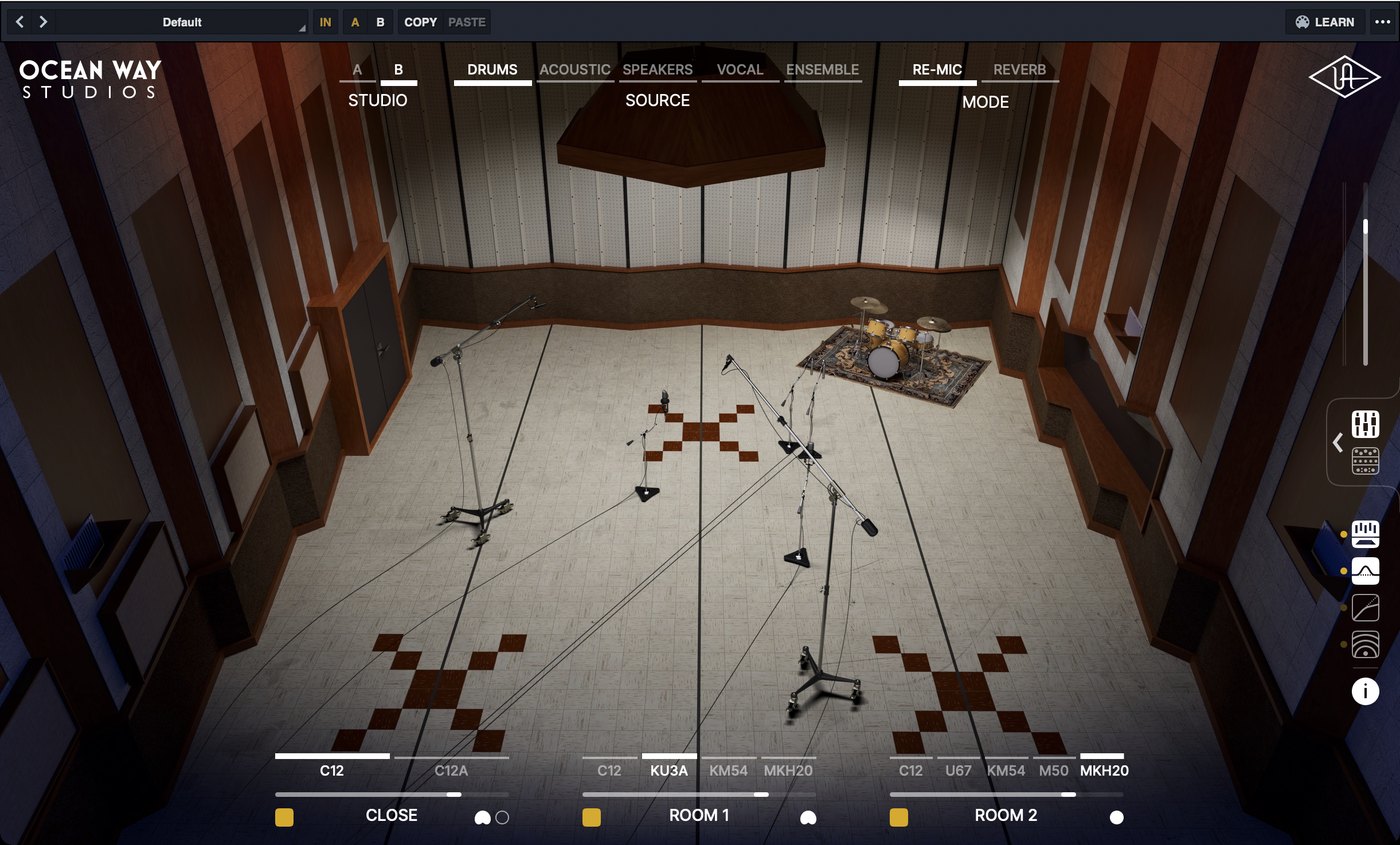
The Avalon VT-737 tube channel, Ocean Way Studios room and microphone modelling, the SSL E-series channel strip and the Helios Type 69 preamp and EQ — each with its own voice agent. “More room on the drums.” “Open up the top on the SSL.” “Warm the vocal on the Avalon.”
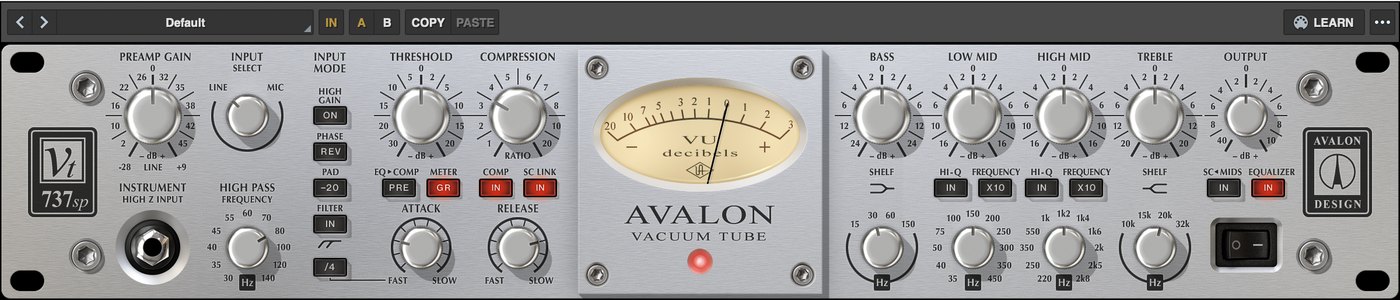
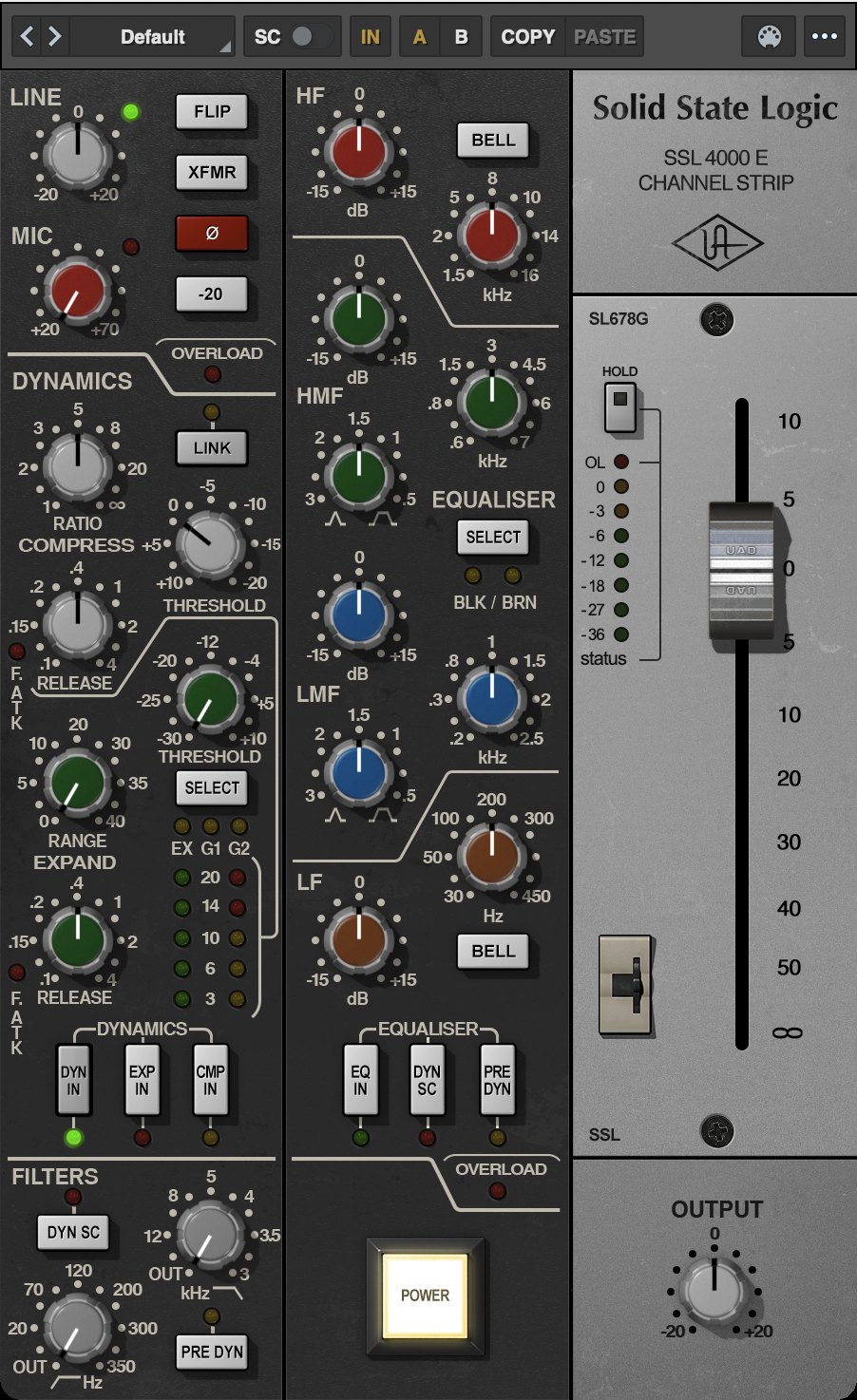
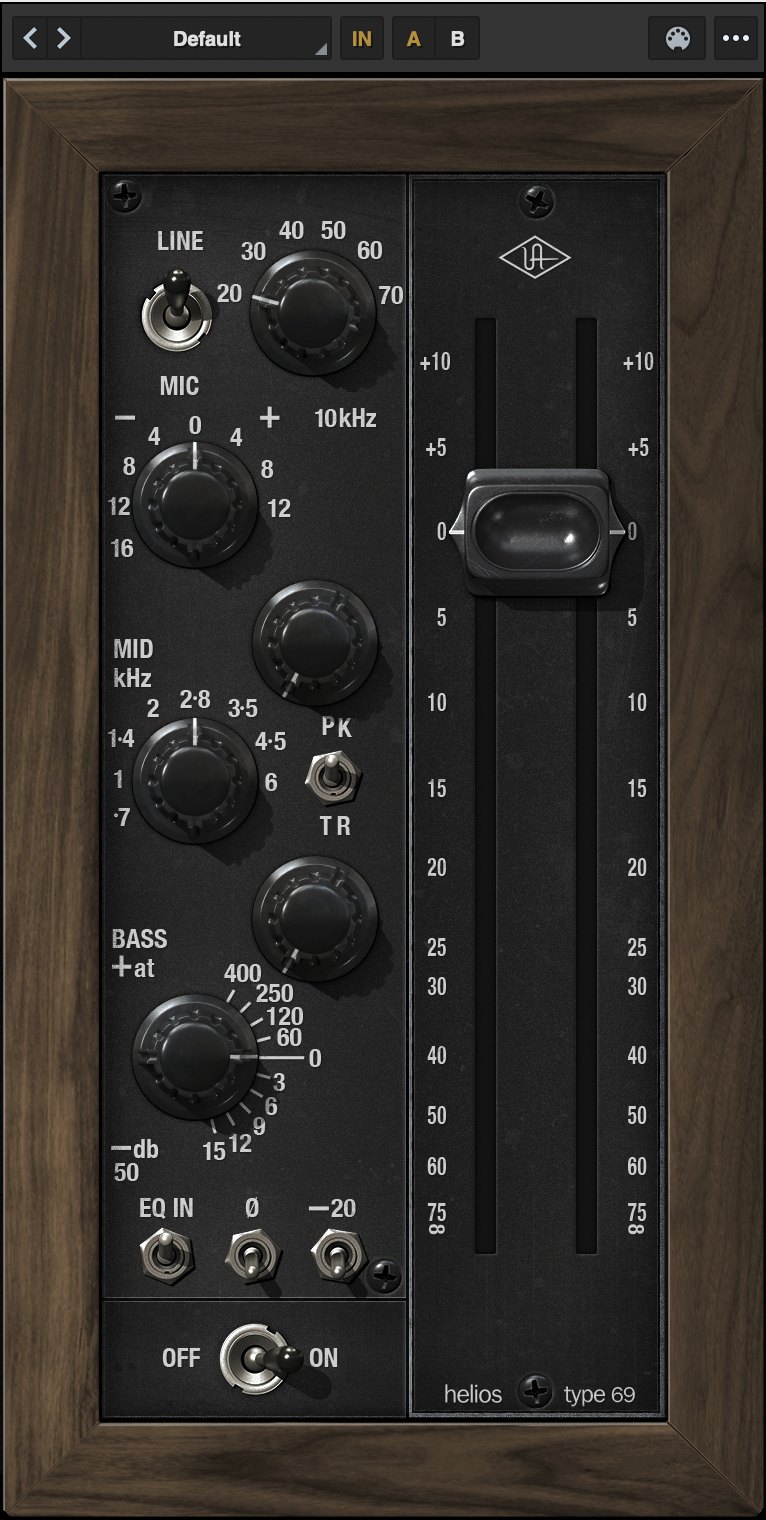
Every reaction teaches it. Save a setting and it asks what you'd call it — “my Motown vocal”, “the fat snare” — and later those words bring it back. Over time each plugin learns how you hear, so the first move is closer every session.

Describe the sound in your own words and keep your ears on the music.